Keep life's notes and tasks in one workspace.
Atlaswork brings your notes and tasks together, with an AI agent for each area of your life. Choose what each agent can read, review its suggestions, and apply what you want.
Coming soon. Join the waitlist for one email when Atlaswork opens.
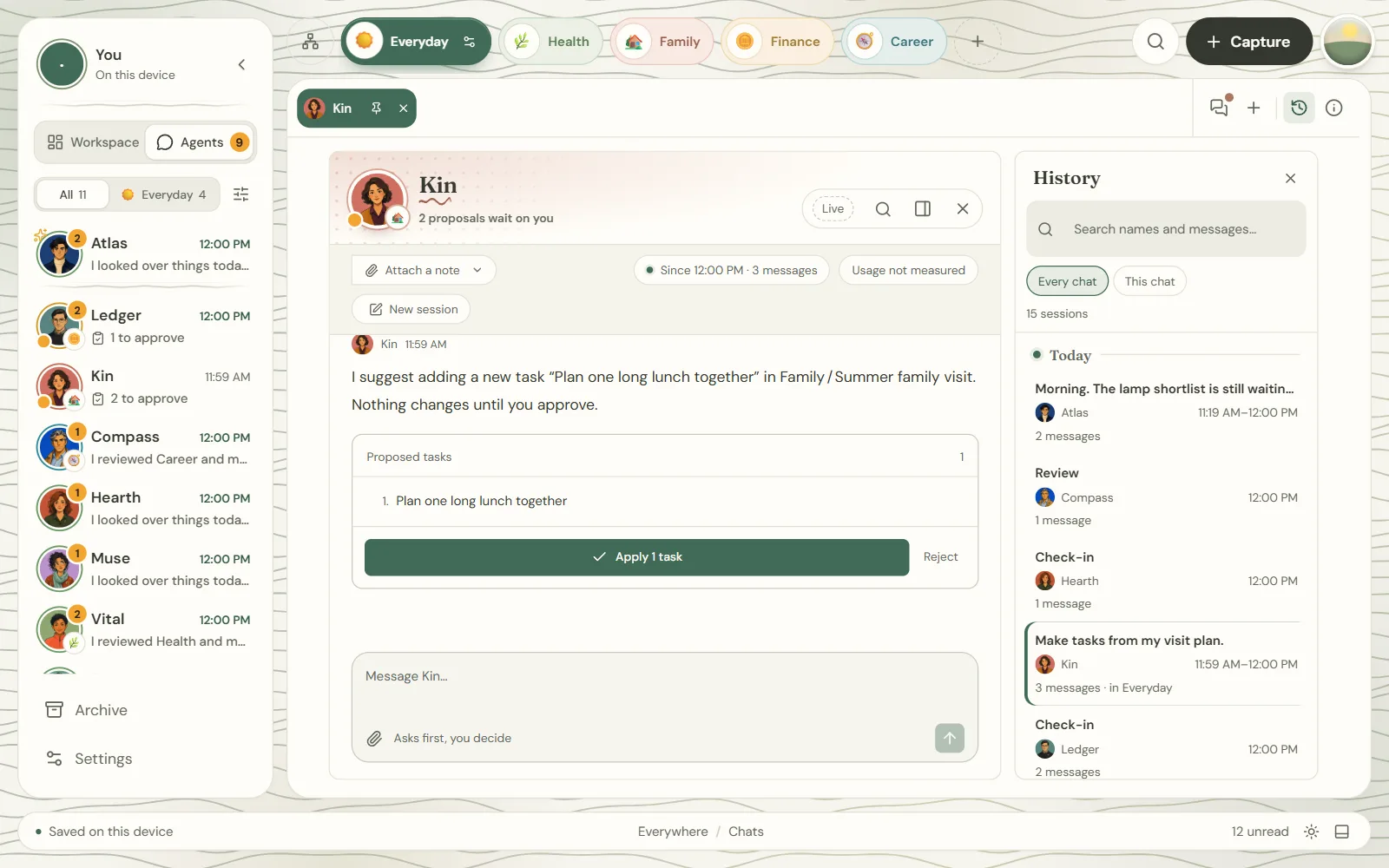
An agent for each part of your life
Atlas helps across the areas you allow. Hearth, Vital, Kin, Ledger and Compass each focus on one part of your life. You choose what every agent may read.

Atlas
Your thinking partner across the areas you allow.

Hearth
Home, chores and the small fixes.

Vital
Training, sleep and check-ups.

Kin
Family plans, visits and birthdays.

Ledger
Savings, bills and subscriptions.

Compass
Career, portfolio and learning.
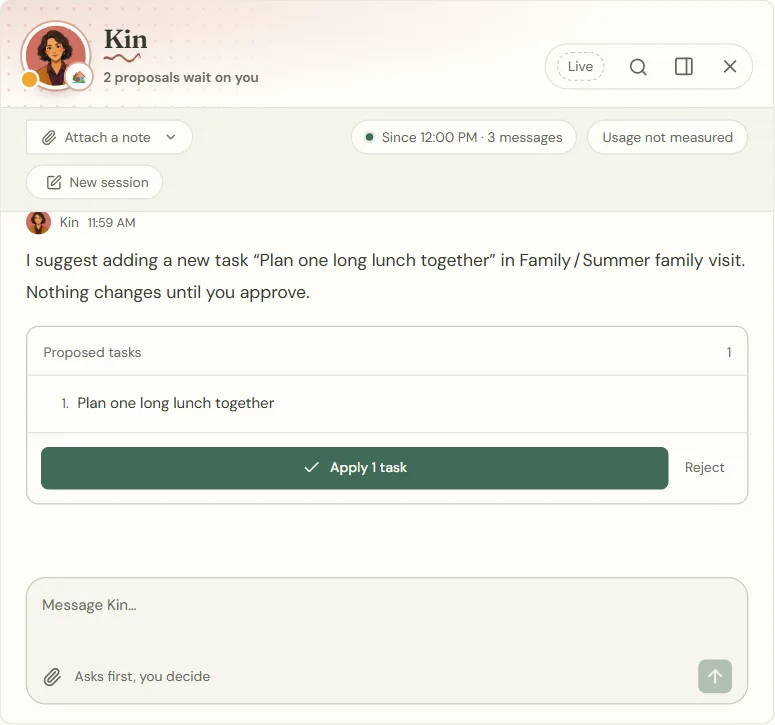
They suggest. You decide.
Ask Kin to turn your visit plan into tasks and you get a proposal, not a surprise. Apply it, reject it, or undo it later.
Tell Ledger you cancelled a subscription and it offers to tick off the task. Agents you trust can act straight away, always with Undo.
You choose what each agent may read: notes, tasks, both or neither.
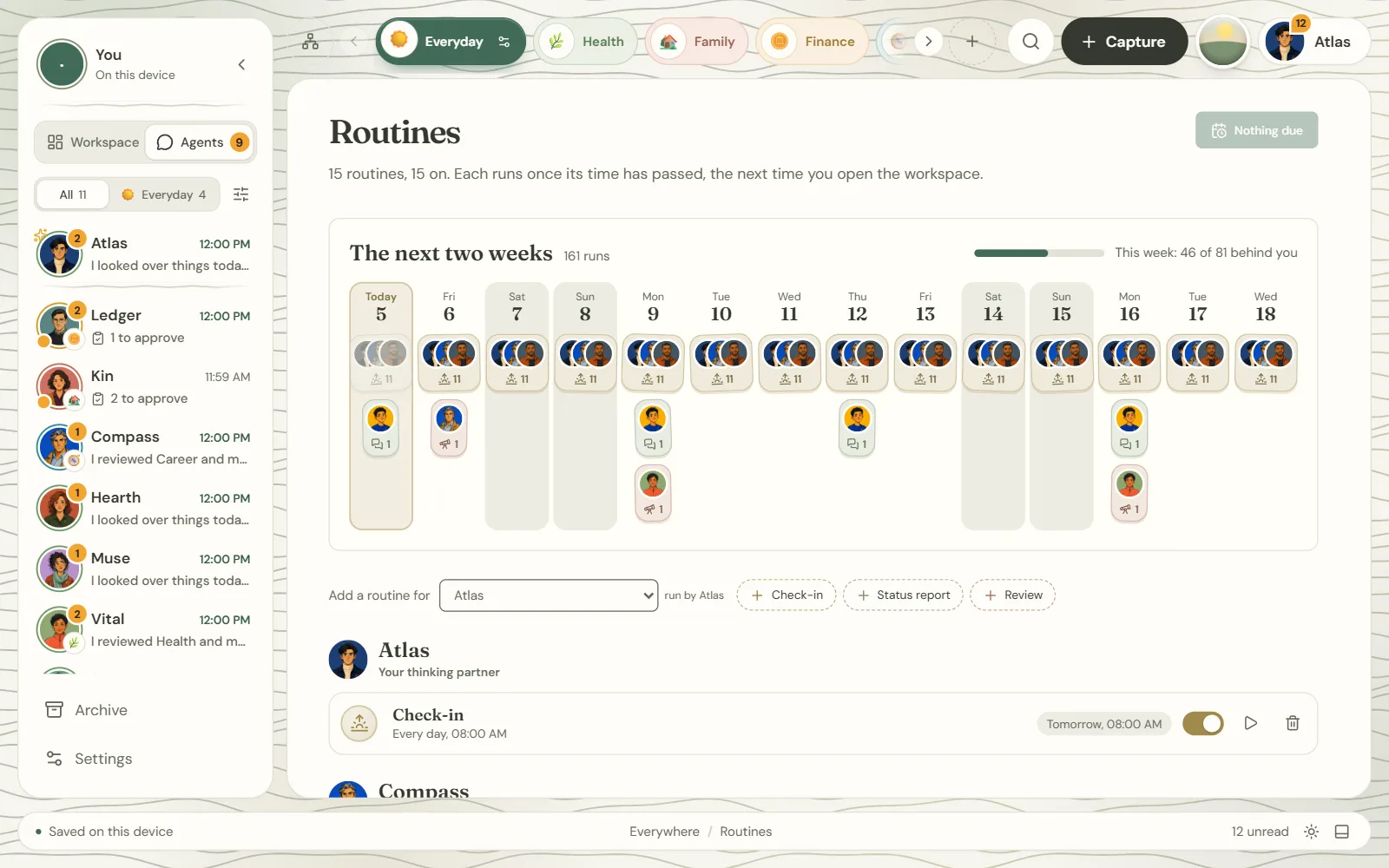
Planned agent routines
Morning check-ins, weekly reviews and reports are part of the plan. Atlaswork is coming soon, and routines may change before release.
Local notes. Online AI when you ask.
Notes and tasks are stored in the browser where you use Atlaswork. They work offline and export to a backup file. Devices do not sync. Export a backup before clearing browser data.
Live AI replies need an internet connection. Your message and conversation context, together with only the notes and tasks the agent may read, are sent to an open model on Cloudflare. Cloudflare does not retain the inference inputs or outputs or use them for training.
Get one email when Atlaswork opens
Leave your email to join the waitlist. No launch date has been announced.